Oculock1.0.1
Publisher Description
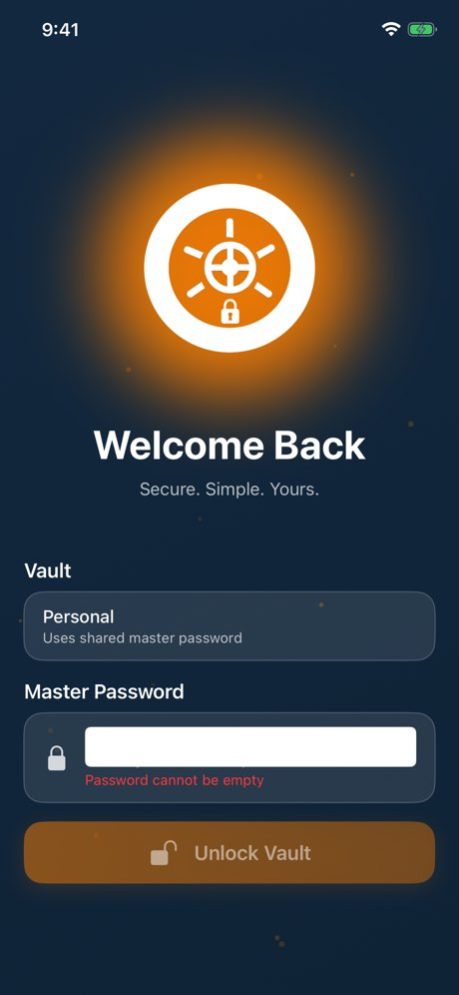
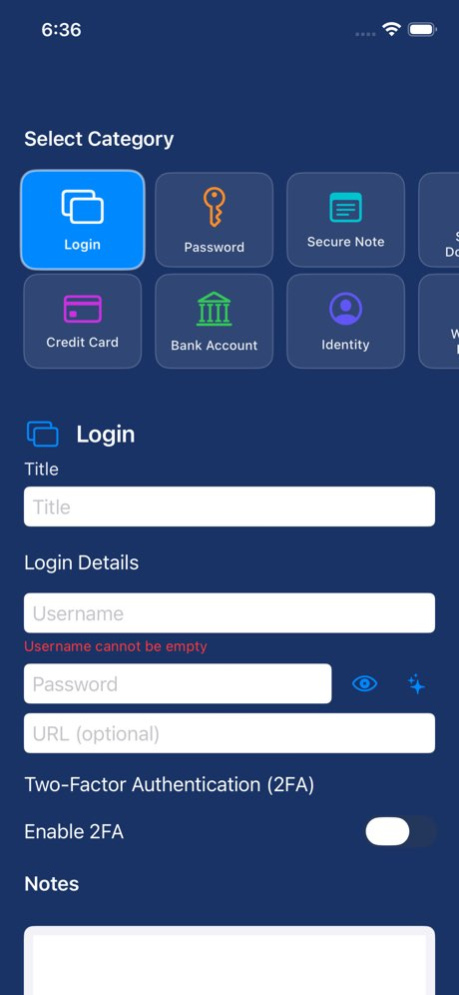
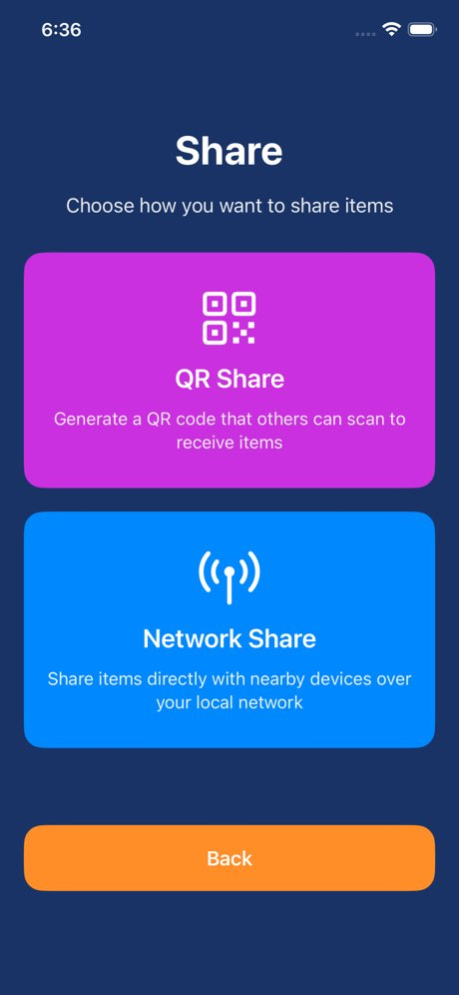
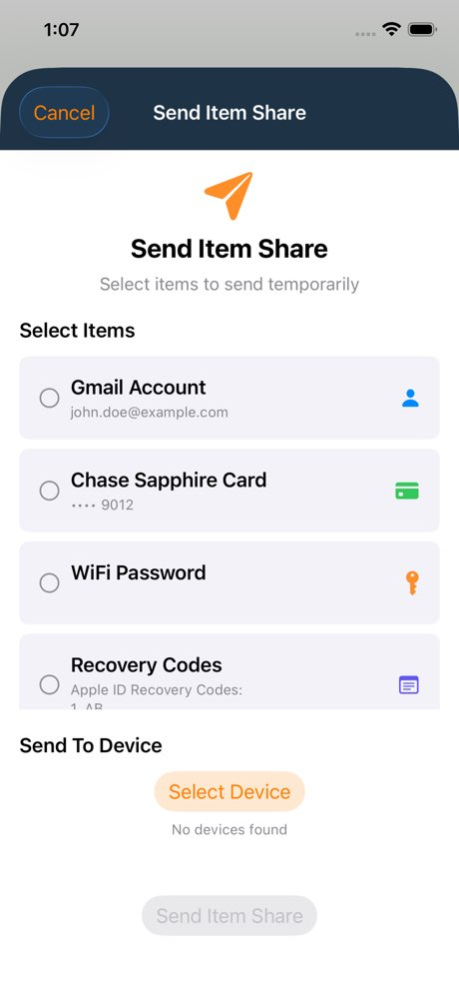
Oculock - Your Personal Data Protector
Keep your passwords and private information safe, organized, and always under your control. Oculock is a local‑first vault for iPhone, iPad, and Mac (Mac Catalyst) with strong encryption and biometric unlock.
CORE SECURITY & PRIVACY
Strong encryption: Your vault is encrypted and protected by your master password.
Biometric unlock: Use Face ID / Touch ID for fast, secure access.
Local‑first: Your vault lives on your device. No account required.
Auto‑lock: Automatically locks your vault to protect you if you step away.
WHAT YOU CAN STORE
Logins & passwords
Credit cards
Bank accounts
Secure notes
Identities & identity documents
Driver licenses
Software licenses
Databases
Wireless router / Wi‑Fi credentials
Secure documents (with in‑app preview)
EVERYDAY FEATURES
Multiple vaults for separating work/personal/family
Smart search and favorites
One‑tap copy for fields, with sensitive fields kept protected
Tap-to-reveal eye icon for masked fields (account numbers, routing numbers, card numbers, PINs, license numbers, etc.)
Built‑in TOTP (2FA) codes for supported logins
Backup, restore, import & export
Encrypted backup & restore via the Files app
CSV import/export (including importing Oculock‑exported CSV files)
Sharing & transfer (subscription may be required)
QR sharing (send/receive items via QR, with optional passphrase + time limits)
Local network sharing/sync on your Wi‑Fi
Privacy Policy: https://oculock.com/privacy
Terms of Service: https://oculock.com/terms-of-service
Version History • UI updates
• Bug fixes and improvements 1.0.1 Jan 17 1.0 12/30/2025
About Oculock
The company that develops Oculock is Poker Games Interactive LLC. The latest version released by its developer is 1.0.1.
To install Oculock on your iOS device, just click the green Continue To App button above to start the installation process. The app is listed on our website since 2026-10-13 and was downloaded 0 times. We have already checked if the download link is safe, however for your own protection we recommend that you scan the downloaded app with your antivirus. Your antivirus may detect the Oculock as malware if the download link is broken.
How to install Oculock on your iOS device:
- Click on the Continue To App button on our website. This will redirect you to the App Store.
- Once the Oculock is shown in the iTunes listing of your iOS device, you can start its download and installation. Tap on the GET button to the right of the app to start downloading it.
- If you are not logged-in the iOS appstore app, you'll be prompted for your your Apple ID and/or password.
- After Oculock is downloaded, you'll see an INSTALL button to the right. Tap on it to start the actual installation of the iOS app.
- Once installation is finished you can tap on the OPEN button to start it. Its icon will also be added to your device home screen.
Program Details
System requirements
Download information
Pricing
Version History
version 1.0.1
posted on 2026-10-13
Version History • UI updates
• Bug fixes and improvements 1.0.1 Jan 17 1.0 12/30/2025
version 1.0.1
posted on 2026-01-17
• UI updates
• Bug fixes and improvements
